How computers mix text, pictures, sound, video and animation to teach, entertain and inform: with real Nepali examples from YouTube, TikTok, games and movies.
1 Introduction
When you watch a video on YouTube, scroll through TikTok, play Free Fire or PUBG, or look at an online newspaper like Online Khabar, you are using multimedia. The word is made of two parts: multi (many) and media (ways of sharing information). So multimedia simply means using many types of media together.
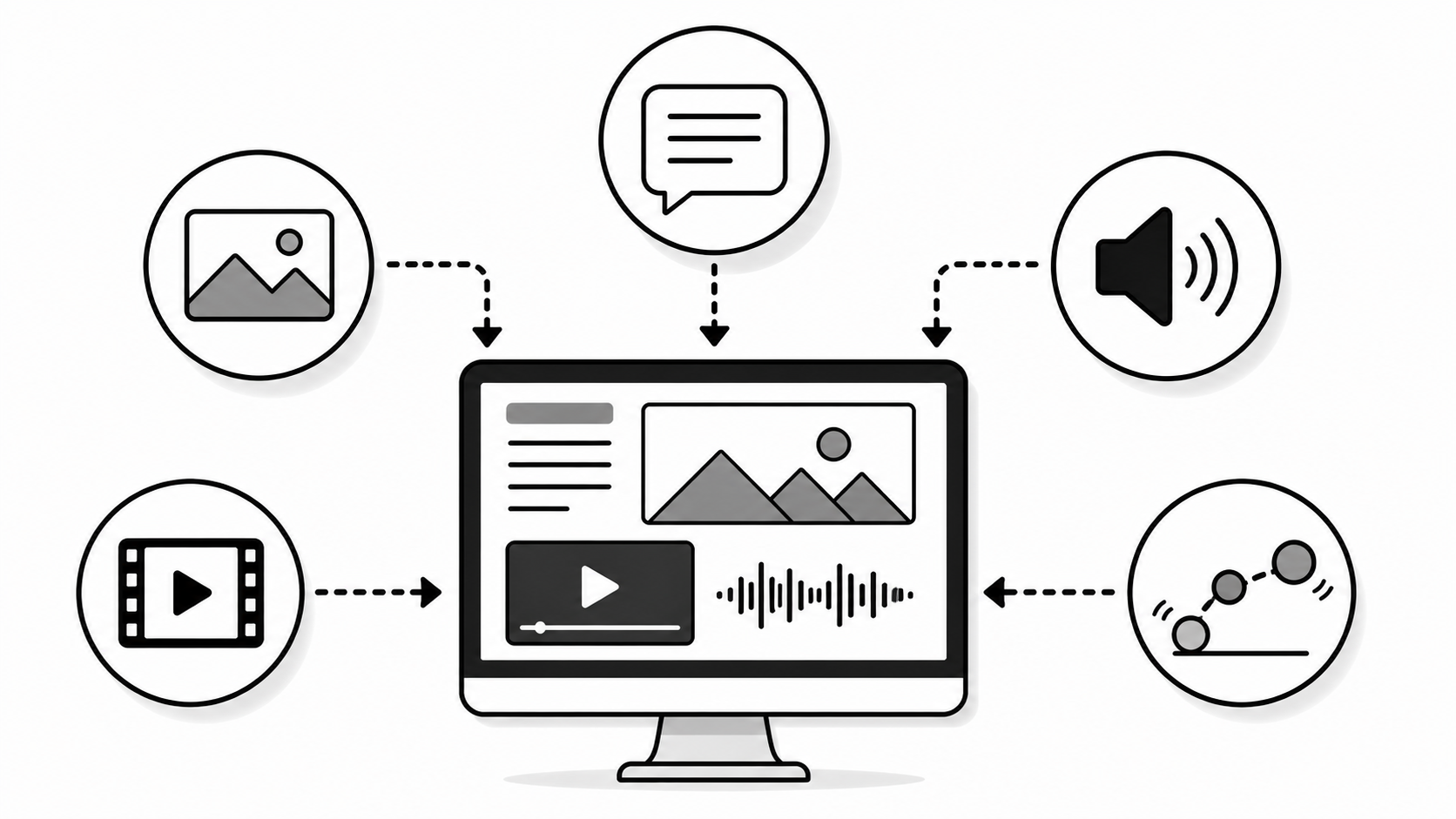
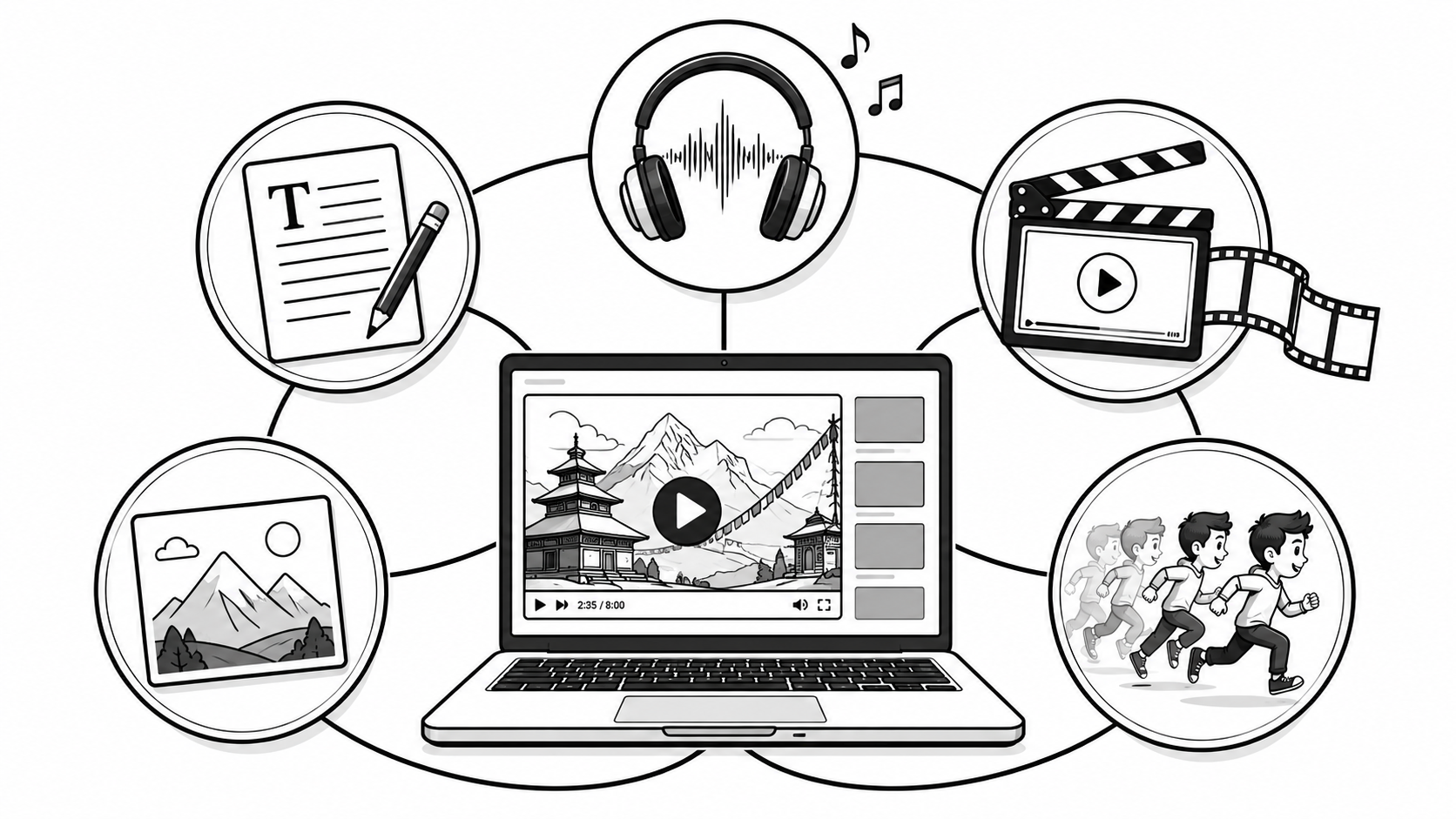
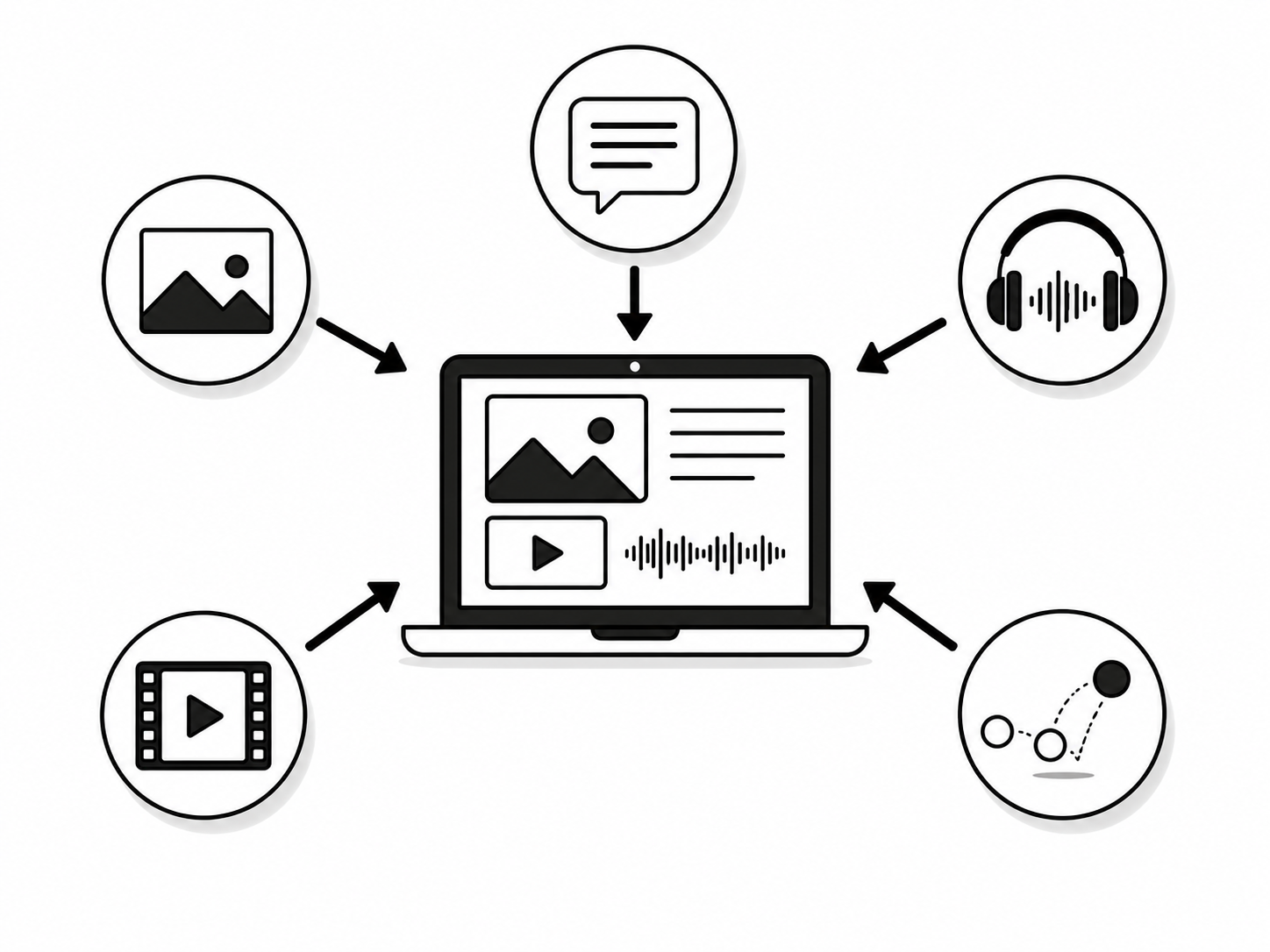
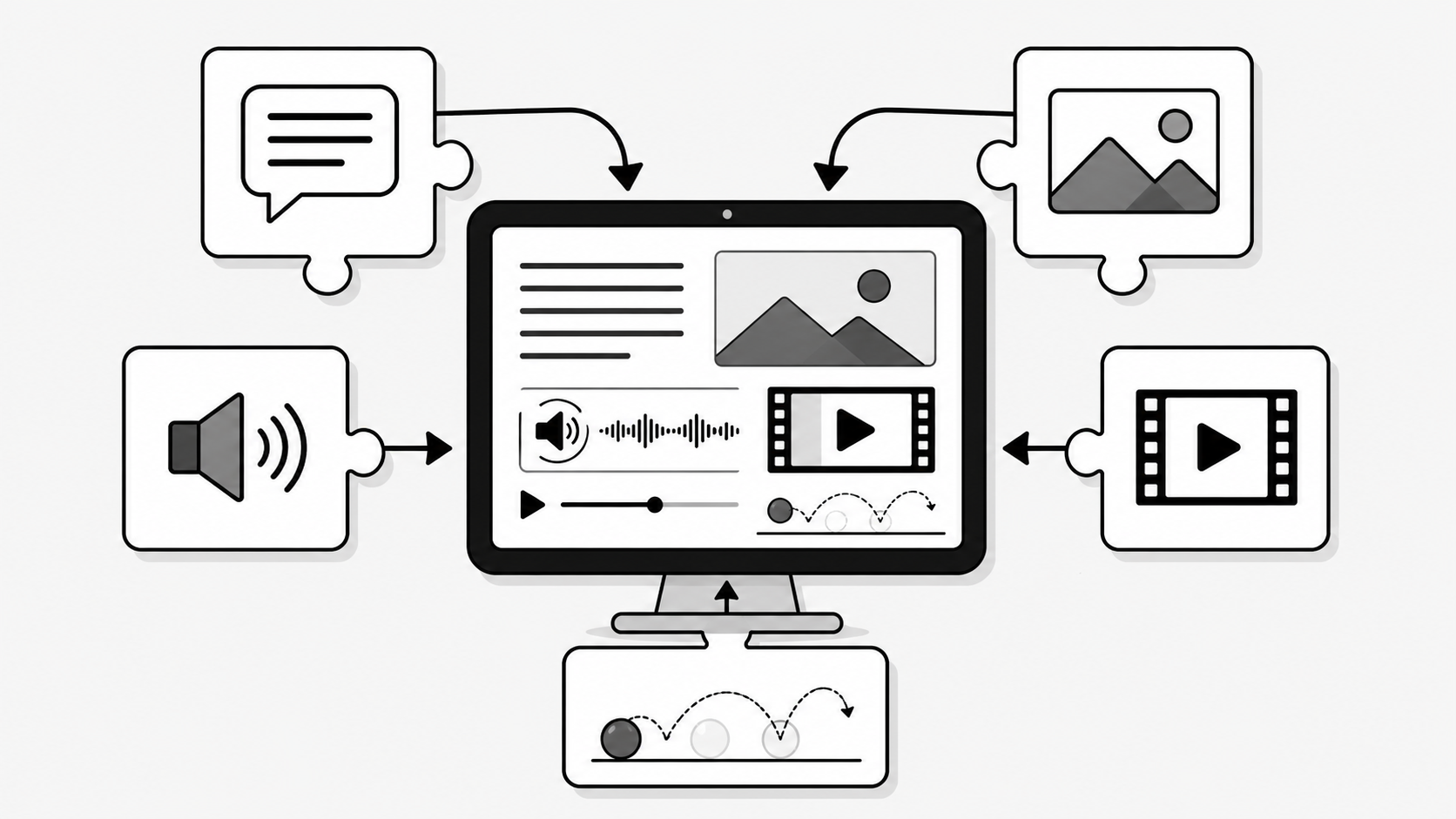
Multimedia is the combination of different forms of content (text, graphics, audio, video and animation) presented together through a computer or digital device to share information in an attractive and effective way.
A single photo is just one medium. But a YouTube lesson that has a teacher's voice (audio), a video of the teacher, text on the screen, diagrams (graphics) and moving arrows (animation) all at once. That is true multimedia.
Exam tip:Multi = many, media = ways of sharing information. When defining multimedia in the exam, always mention all five components: text, graphics, audio, video and animation.
Real example: A digital advertisement of Ncell on TV uses pictures, background music, a voice-over and moving text all together. That mix is what makes it multimedia.
2 Applications of Multimedia
Multimedia is used almost everywhere today. Below are the main fields where it is applied.
📚
Education
E-learning videos, animated lessons and apps like YouTube and Khan Academy make hard topics easy.
🎮
Entertainment
Movies, music, video games, TikTok and Netflix all depend on multimedia.
💼
Business
Advertisements, presentations, online shopping like Daraz and digital marketing.
🏥
Healthcare
X-ray and MRI images, 3D body models and patient-education videos help doctors.
🔬
Science & Research
Simulations, animated models of atoms or weather, and data visualisation.
💬
Communication
Video calls on Messenger, Zoom and WhatsApp combine audio and video.
✈️
Training & Simulation
Flight simulators and virtual labs train pilots and drivers safely.
3 Components of Multimedia
Multimedia is built from five basic components. A good multimedia product mixes two or more of these together.
Component
What it is
Example
Text
Letters, words and numbers shown on screen
Subtitles on a YouTube video, headlines in a news app
Graphics
Still pictures, drawings, photos and diagrams
A photo, logo or a chart in a presentation
Audio
Sound such as music, voice or effects
Background music, a teacher's voice-over
Video
Moving pictures with sound, recorded by camera
A movie clip, a recorded class
Animation
Drawings or models made to move
A cartoon, a moving logo, game characters
Remember: The difference between video and animation is that video is recorded from the real world, while animation is created/drawn on the computer to look like it is moving.
Exam tip: "List the components of multimedia" is asked almost every year. Write all five with one example each: Text (subtitles), Graphics (photo), Audio (music), Video (movie clip), Animation (cartoon).
4 2D & 3D Animation Software
Different software is used to make animation. 2D software works with flat drawings (height and width only), while 3D software works with solid models that have depth too.
2D Animation Software
3D Animation Software
Adobe Animate (Flash)
Autodesk Maya
Toon Boom Harmony
Autodesk 3ds Max
Synfig Studio
Blender (free, open-source)
Pencil2D
Cinema 4D
Good to know:Blender is free and very popular. Big animated films like Toy Story and Frozen were made using 3D animation software.
5 Computer Graphics
Computer graphics is the field of creating, storing and editing pictures, drawings and images using a computer.
Everything visual you see on a screen (icons, photos, posters, game scenes, logos and cartoons) is made using computer graphics. Software like Adobe Photoshop, CorelDRAW, Illustrator and Canva are used to make these graphics.
Real example: The posters you see for Nepali movies, the menu of a momo restaurant designed in Canva, and the logo of your school were all made with computer graphics software.
6 Use of Computer Graphics
Computer graphics is used in many fields. Four important ones are:
📐
CAD
Computer-Aided Design is used by engineers and architects to draw buildings, machines and house plans accurately.
🌐
Web Design
Designing attractive websites with banners, buttons, icons and layouts.
🎨
Digital Art
Artists create paintings, illustrations and posters directly on the computer.
🕹️
Video Games
Characters, backgrounds and effects in games like Free Fire are made with graphics.
7 Types of Computer Graphics
There are two main types of computer graphics: raster graphics and vector graphics.
Raster Graphics (Bitmap)
Raster graphics are made up of tiny dots called pixels. Each pixel has a colour, and together they form the picture.
Photos are raster images. The problem is that when you zoom in too much, the picture becomes blurry and you can see the square pixels. Examples: JPEG, PNG, GIF, BMP.
Vector Graphics
Vector graphics are made using mathematical lines, curves and shapes instead of pixels.
Because they use maths, vector images can be zoomed to any size without losing quality. They are best for logos and icons. Examples: SVG, AI, CDR.
Raster Graphics
Vector Graphics
Made of pixels (dots)
Made of lines and curves (maths)
Becomes blurry when zoomed
Stays sharp at any size
Large file size for photos
Usually smaller file size
Best for photographs
Best for logos, icons, text
JPEG, PNG, GIF, BMP
SVG, AI, CDR, EPS
Exam tip: Raster = pixels (blurs when zoomed); Vector = mathematical lines (always sharp). This difference is asked almost every year.
8 Graphics File Formats
Images can be saved in many file formats. Each has its own use.
Format
Full Form / Type
Best Used For
TIFF / TIF
Tagged Image File Format
High-quality printing; large file, no quality loss
JPEG / JPG
Joint Photographic Experts Group
Photos on web; small size but some quality loss
GIF
Graphics Interchange Format
Simple animations and stickers; only 256 colours
PNG
Portable Network Graphics
Images needing a transparent background; good quality
SVG
Scalable Vector Graphics
Logos and icons that must stay sharp at any size
PDF
Portable Document Format
Documents and graphics that look the same everywhere
Tip: Use JPG for normal photos, PNG when you need a transparent background (like a logo), and GIF for small moving images.
Exam tip: GIF supports only 256 colours; PNG supports transparency; JPG gives a small file with slight quality loss. These three key points are common exam questions.
9 Audio & Waveform
Audio is sound (such as music, voice or effects) that has been recorded and stored so a computer can play it.
Sound travels as waves. When sound is recorded, the computer draws it as a waveform, a wavy line that shows how the sound changes over time. A tall wave means a loud sound, and a short wave means a soft sound. Waves close together mean a high pitch, and waves far apart mean a low pitch.
Audio waveform is the visual picture (a wavy line) that represents a sound, showing its loudness (amplitude) and pitch (frequency) over time.
Exam tip:Amplitude (height of the wave) = loudness; Frequency (number of waves per second) = pitch. Don't mix the two in definitions.
10 Why Waveform is Needed
The waveform is very useful when working with sound. It is needed because:
It lets us see the sound, so we know where it is loud, soft or silent.
It makes editing easy: we can cut, copy, delete or join parts of the sound at exactly the right place.
It helps remove noise and silent gaps.
It helps in mixing music and voice together properly.
It shows the quality and timing of the recording.
Example: In software like Audacity, a YouTuber sees the waveform to find and delete the "umm" sounds and long silences from their recording.
11 Audio File Formats
Audio can be saved in different formats. The main ones are:
Format
Full Form
Key Point
MP3
MPEG-1 Audio Layer 3
Most common; small file size, slight quality loss
AAC
Advanced Audio Coding
Better quality than MP3 at the same size; used by YouTube, iPhone
WAV
Waveform Audio File Format
Very high quality, no compression; large file size
Exam tip:WAV = full quality, no compression, big file. MP3 = compressed, small file, slight quality loss. AAC = better quality than MP3 at the same size. "Why is MP3 popular?" Because it saves space while keeping good-enough quality.
12 Video
Video is a series of still pictures (called frames) shown one after another very quickly, together with sound, so that they look like continuous movement.
Our eyes cannot notice each separate picture when they change fast enough; instead we see smooth motion. This happens because of persistence of vision: our eyes hold an image for a fraction of a second after it disappears. A movie, a recorded class, a TikTok clip and a CCTV recording are all videos.
Key idea: A video is really just many photos played fast. If you slow a video down a lot, you can see the individual frames.
13 Frame Rate
Frame rate is the number of frames (pictures) shown in one second of video. It is measured in fps (frames per second).
The higher the frame rate, the smoother the video looks. Common frame rates are:
24 fps: used in films/movies (the "cinema" look).
30 fps: used in TV and most YouTube videos.
60 fps: very smooth; used in games and sports videos.
Example: A game played at 60 fps feels much smoother than one at 30 fps. That is why gamers want a high frame rate.
Resolution is the number of pixels in a picture or video, usually written as width × height. More pixels means a sharper, clearer picture.
Type
Full Form
Typical Resolution
Quality
SD
Standard Definition
640 × 480
Normal, lower clarity
HD
High Definition
1280 × 720 / 1920 × 1080
Sharp and clear
Good to know: On YouTube, 480p is SD, while 720p and 1080p are HD. Even higher is 4K (Ultra HD) with about 3840 × 2160 pixels.
Exam tip: SD = 480p, HD = 720p, Full HD = 1080p, 4K (Ultra HD) = 2160p. Resolution decides clarity; frame rate decides smoothness.
15 Video File Formats
Videos are saved in different formats. The main ones are:
Format
Full Form / Origin
Key Point
MP4
MPEG-4 Part 14
Most popular; small size, good quality, works everywhere
MOV
QuickTime Movie (Apple)
High quality; common on Apple/Mac devices
AVI
Audio Video Interleave (Microsoft)
Good quality but large file size; older format
Tip:MP4 is the best choice for sharing online because it keeps good quality while staying small.
16 Animation
Animation is the technique of making drawings, images or models appear to move by showing a series of slightly different pictures quickly, one after another.
Just like a video, animation works because the pictures change fast enough that our eyes see smooth movement (persistence of vision). The difference is that animation pictures are created or drawn on a computer, not recorded with a camera. Cartoons like Tom and Jerry and films like Frozen are animation.
Exam tip: Video = recorded by a camera from the real world; Animation = created/drawn on a computer. Both show many frames quickly to create motion.
17 Purpose & Use of Animation
Animation is used for many purposes because it can show things that are hard to film in real life.
🎬
Entertainment
Cartoons, animated movies and game characters.
📖
Education
Showing how the heart pumps blood or how planets move.
📢
Advertising
Eye-catching animated ads and moving logos.
🏗️
Simulation
Showing how a building or machine will work before it is built.
🩺
Medicine & Science
3D models of the body, molecules and weather systems.
🌐
Websites & Apps
Loading icons, moving buttons and fun effects.
18 2D and 3D Animation
Animation is mainly of two types: 2D and 3D.
2D Animation
2D animation uses flat images that have only height and width (two dimensions). It looks like a moving drawing.
Examples: Tom and Jerry, Doraemon and most simple cartoons.
3D Animation
3D animation uses solid models that have height, width and depth (three dimensions). It looks more real, like a sculpture that moves.
Examples: Frozen, Toy Story and characters in modern video games.
2D Animation
3D Animation
Flat: height and width only
Solid: height, width and depth
Looks like a drawing
Looks real and lifelike
Easier and cheaper to make
Harder and more costly to make
Adobe Animate, Pencil2D
Blender, Maya, 3ds Max
Example: Doraemon
Example: Frozen
Exam tip: 2D = height + width only (flat drawing); 3D = height + width + depth (solid model). Remember one software and one example for each.
📝 Exercises & Quiz
Test what you've learned! Click Show Answer to check yourself.
📚 Short Terms / Glossary
Multimedia
Combination of text, graphics, audio, video and animation.
Graphics
Still pictures, drawings and images on a computer.
Pixel
The tiny coloured dot that makes up a raster image.
Raster Graphics
Images made of pixels; blur when zoomed.
Vector Graphics
Images made of maths lines; stay sharp at any size.
Waveform
Visual wavy line that represents a sound.
Frame
One single still picture in a video.
Frame Rate
Number of frames shown per second (fps).
Resolution
Number of pixels in an image or video.
Animation
Making drawings or models appear to move.
2D Animation
Flat animation with height and width only.
3D Animation
Solid animation with height, width and depth.
Amplitude
Height of a sound wave; shows loudness.
Frequency
Number of waves per second; decides pitch.
Bitmap
Another name for raster graphics (made of pixels).
SD
Standard Definition (~480p); normal clarity.
HD
High Definition (720p / 1080p); sharp and clear.
4K (Ultra HD)
About 3840 × 2160 pixels; extremely sharp video.
🔤 Full Forms (Click "Reveal" to check)
JPEGJoint Photographic Experts Group
PNGPortable Network Graphics
GIFGraphics Interchange Format
TIFFTagged Image File Format
SVGScalable Vector Graphics
PDFPortable Document Format
MP3MPEG-1 Audio Layer 3
AACAdvanced Audio Coding
WAVWaveform Audio File Format
MP4MPEG-4 Part 14
AVIAudio Video Interleave
SD / HDStandard Definition / High Definition
CADComputer-Aided Design
fpsFrames Per Second
✅ Choose the Correct Answer (MCQ)
1. Which of the following is NOT a component of multimedia?
A Text
B Audio
C Keyboard
D Animation
2. Raster graphics are made up of:
A Pixels
B Lines and curves
C Frames
D Waves
3. Which format keeps a transparent background and good quality?
A JPG
B PNG
C WAV
D MP4
4. Which image type stays sharp at any zoom level?
A Raster
B Vector
C Bitmap
D JPEG
5. A waveform shows the loudness and ____ of a sound.
A Colour
B Pitch
C Size
D Weight
6. Which audio format gives the highest quality but largest size?
A MP3
B AAC
C WAV
D GIF
7. Frame rate is measured in:
A Pixels
B Hertz
C fps
D Bytes
8. Which is the most popular video format for sharing online?
A AVI
B MOV
C MP4
D WAV
9. 1920 × 1080 is an example of which resolution?
A SD
B HD
C Low resolution
D None
10. Which software is free 3D animation software?
A Photoshop
B Blender
C Canva
D Audacity
11. The GIF format supports a maximum of how many colours?
A 16
B 256
C 65,536
D Unlimited
12. Which of the following is 2D animation software?
A Blender
B Autodesk Maya
C Pencil2D
D 3ds Max
13. Films/movies are usually made at which frame rate?
A 24 fps
B 30 fps
C 60 fps
D 120 fps
✍️ Short Answer Questions
1 What is multimedia? Write its five components.
Answer: Multimedia is the combination of different forms of content presented together through a computer. Its five components are text, graphics, audio, video and animation.
2 Write any four applications of multimedia.
Answer: Multimedia is used in education, entertainment, business, healthcare, science and research, communication, and training and simulation (any four).
3 Differentiate between raster and vector graphics.
Answer: Raster graphics are made of pixels and become blurry when zoomed; they are best for photos (JPEG, PNG). Vector graphics are made of mathematical lines and stay sharp at any size; they are best for logos and icons (SVG, AI).
4 What is an audio waveform? Why is it needed?
Answer: An audio waveform is a visual wavy line that represents a sound, showing its loudness and pitch over time. It is needed because it lets us see the sound and makes editing (cutting, joining, removing noise and silence) easy.
5 Define frame rate and resolution.
Answer: Frame rate is the number of frames (pictures) shown in one second of video, measured in fps. Resolution is the number of pixels in an image or video (width × height); more pixels means a clearer picture.
6 Differentiate between 2D and 3D animation.
Answer: 2D animation uses flat images with only height and width and looks like a drawing (e.g. Doraemon). 3D animation uses solid models with height, width and depth and looks more real (e.g. Frozen).
7 Difference between video and animation.
Answer: Video is made of real pictures recorded from the world by a camera. Animation is made of pictures or models created/drawn on a computer and made to look like they are moving.
9 What is computer graphics? Mention any four fields where it is used.
Answer: Computer graphics is the field of creating, storing and editing pictures, drawings and images using a computer. It is used in CAD (Computer-Aided Design), web design, digital art and video games.
10 Why is MP3 more popular than WAV for storing and sharing music?
Answer: MP3 compresses audio into a much smaller file with only a slight loss of quality, so many songs can be stored and shared easily. WAV keeps full quality but its files are very large, making it unsuitable for everyday storage and sharing.
11 Compare SD and HD video.
Answer: SD (Standard Definition) has a lower resolution (about 640 × 480, or 480p) and gives normal clarity. HD (High Definition) has a higher resolution (1280 × 720 or 1920 × 1080) and gives a much sharper, clearer picture, but needs more storage and bandwidth.
12 Why do video games prefer a higher frame rate?
Answer: A higher frame rate (like 60 fps) shows more pictures per second, so motion looks smoother and the game responds faster to the player's actions. At a low frame rate the game looks jerky and feels slow to react.
🛠️ Practical Ideas (Try in the lab)
Make a poster in Canva using text, an image and a logo: a real multimedia product.
Open a photo and zoom in fully to see the pixels (raster), then open an SVG icon and zoom in to see it stays sharp (vector).
Save one image as JPG, PNG and GIF and compare their file sizes and quality.
Record your voice in Audacity, look at the waveform, and cut out the silent parts.
Play a YouTube video and change the quality from 480p (SD) to 1080p (HD) to see the difference.
Make a short animation of a bouncing ball using Pencil2D or PowerPoint.
🎓 For Schools & Colleges
Bring AI & IT Workshops to Your School
Empower your students with hands-on, practical learning in Artificial Intelligence and Information Technology. Technology Channel delivers in-school workshops designed for Nepali students, taught the modern way.